Never wake up
to a late fee.
Billrooster crows before every bill is due — rent, utilities, insurance, registrations, renewals. One place, one nudge, in time to do something about it.
Start free — 3 billsFree for 3 bills, reminders included. No card, no bank login.


A late fee is the only bill you can cancel by remembering.
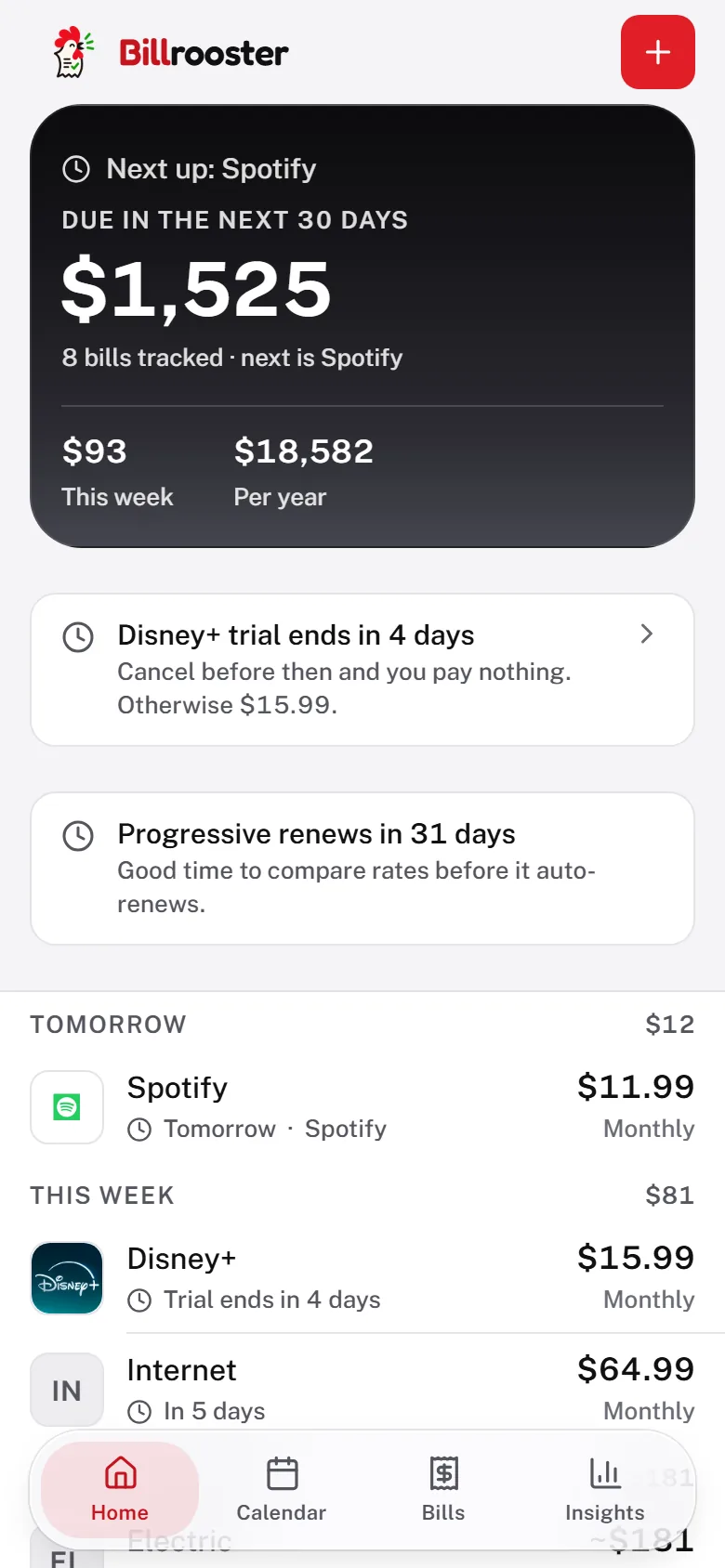
Your subscriptions are already in here.
65 services are built in. Pick one in the app and it fills in the category, the billing rhythm and a direct link to the page where you actually cancel it — you add the amount and the date. Everything else, rent and the water bill and the lawn guy, you type in yourself.


Logos and names are the property of their owners and are shown only so you can recognise your own subscriptions. Billrooster is not affiliated with, endorsed by, or sponsored by any of them.
Every bill you pay on time is a late fee that never happened. Billrooster keeps the count.
Illustration only — 14 bills paid on time at a typical $35 fee. Your own number is counted from bills you actually mark paid, and you set the fee.
It tracks what your bank never sees.
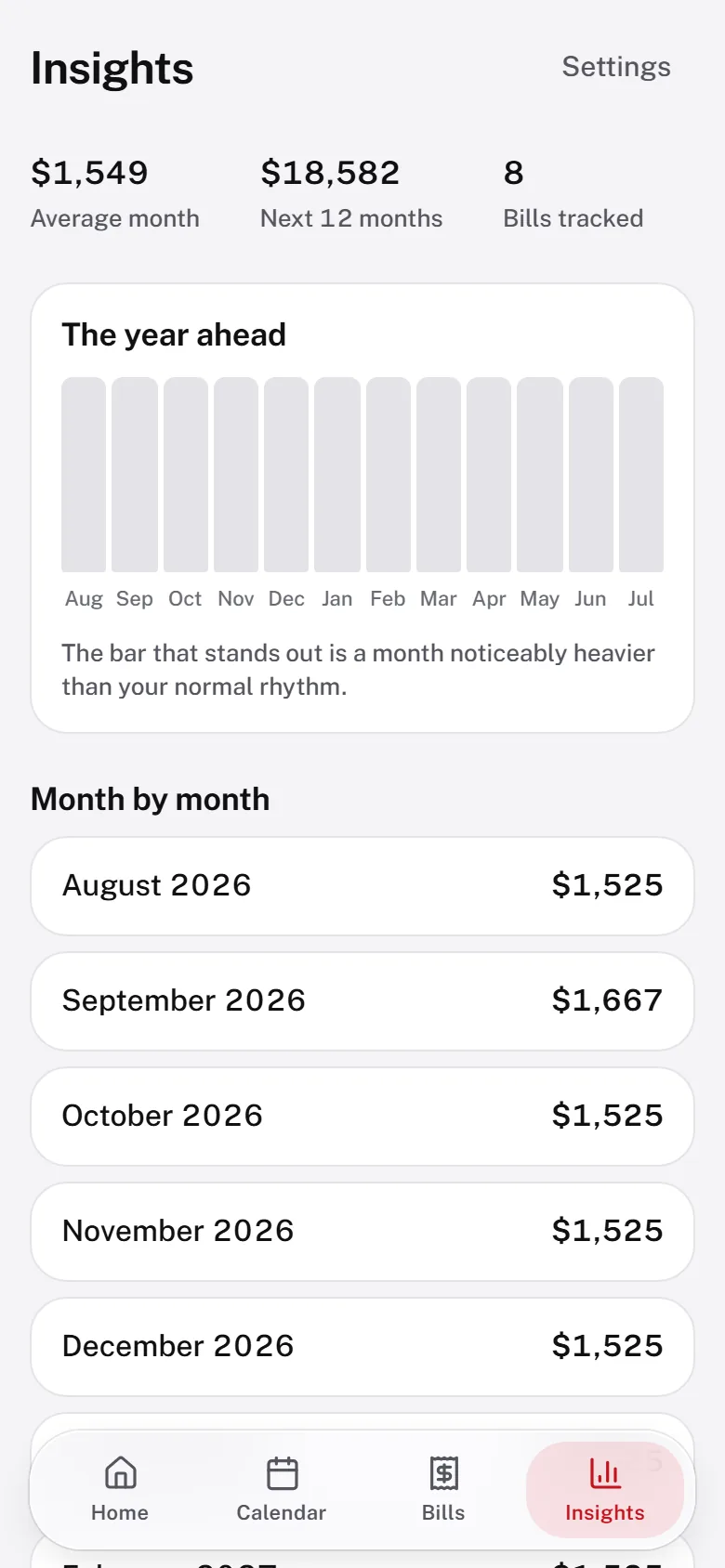
Rent paid to a landlord. School fees. The lawn guy. Property tax that shows up once a year and ruins a month. Because you enter your bills instead of linking an account, nothing is invisible to it — and you never hand over a banking login.
The crow lands on your phone, not in an app you forgot.
Billrooster writes every due date into the calendar you already use, with alerts before each one. That works on any phone, offline, with no account — so the reminder reaches you even if you never open Billrooster again.
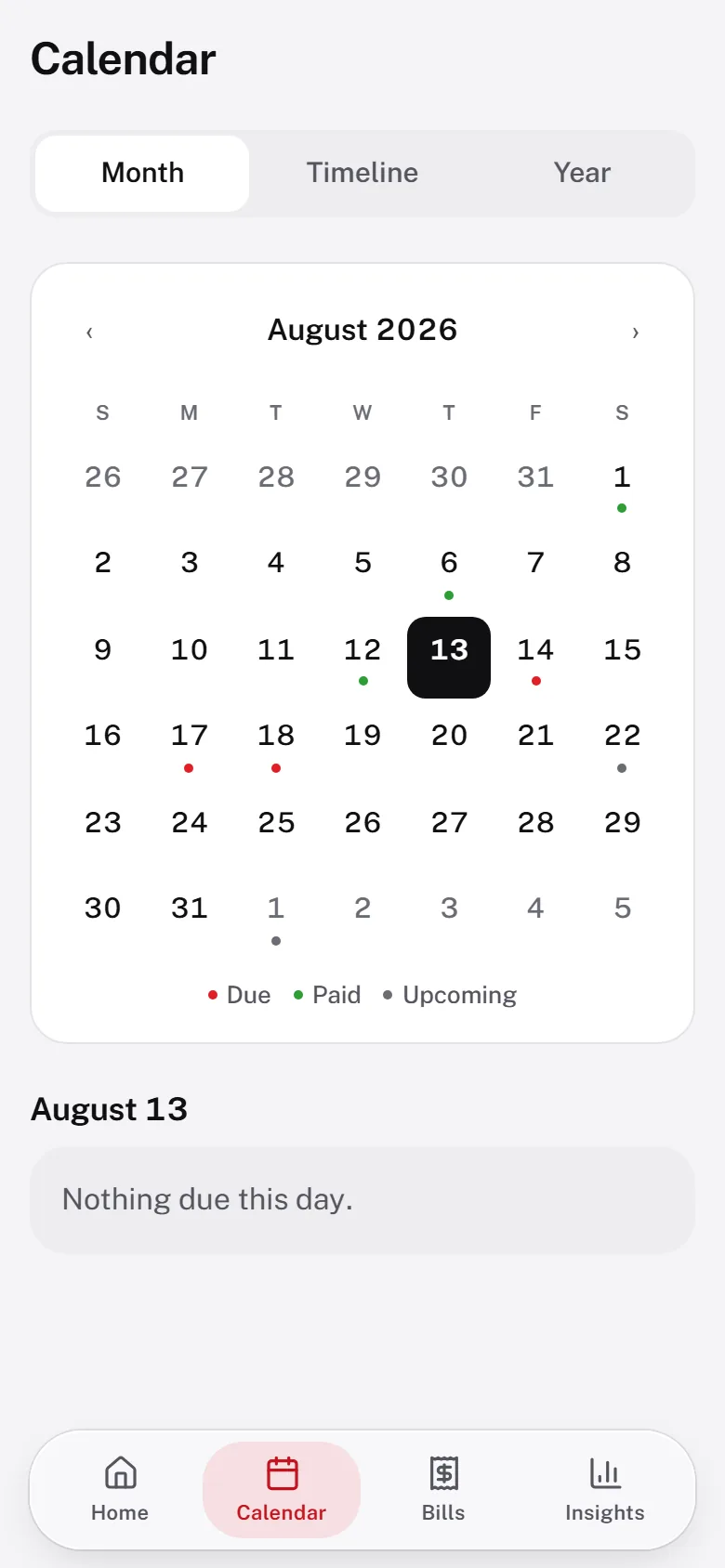
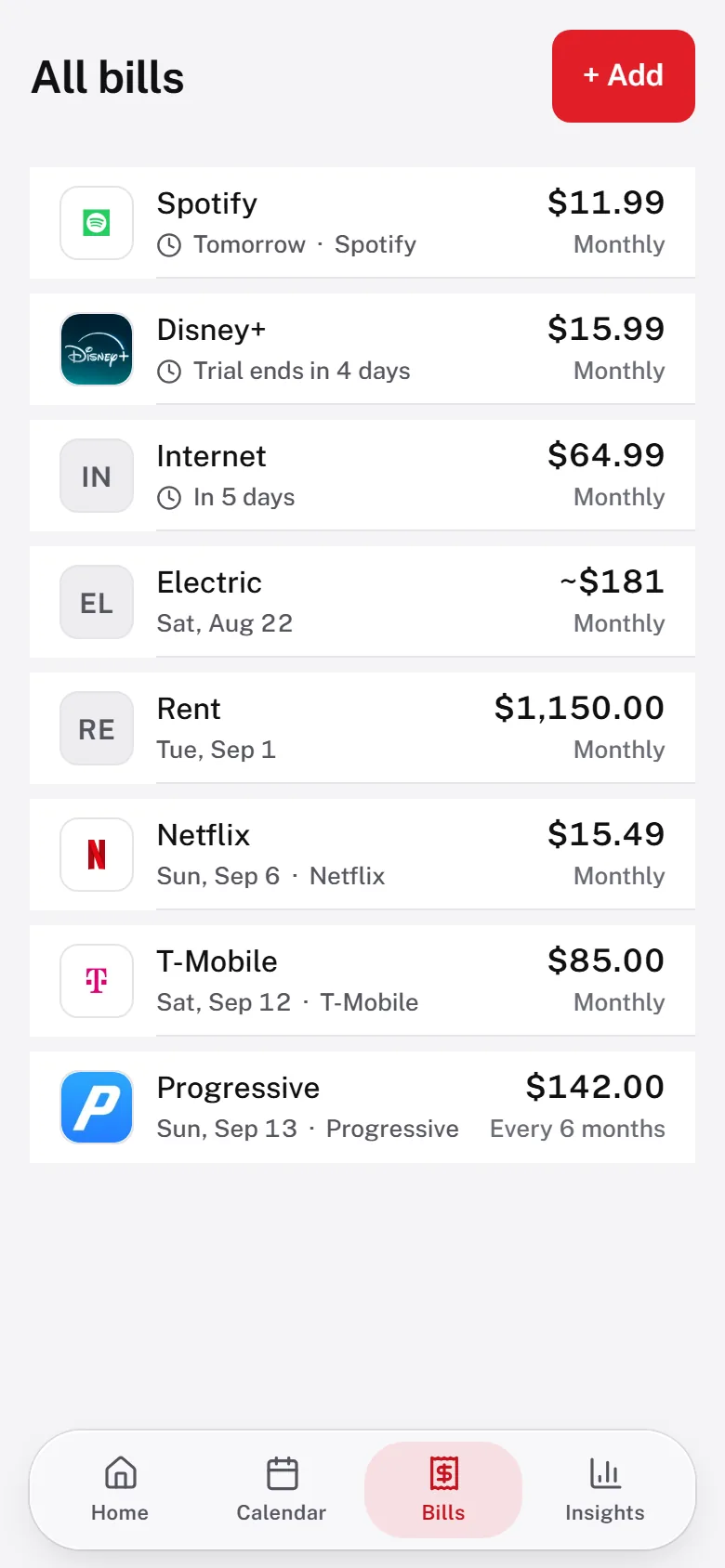
See the expensive months before they arrive.
Insurance, registration, property tax and annual renewals get stacked into a twelve-month view, with the heavy months called out. It is the difference between saving up for March and being ambushed by it.
Set up in about a minute.
No import, no linking, no waiting for a sync to finish.
-
Tap the bills you have
Rent, electric, internet, car insurance — they're already listed.
-
Add the amount and the day
Two fields. It works out every future due date, month-ends included.
-
Send them to your calendar
One tap, and the reminders live on your phone from then on.
What Billrooster doesn't do.
- No bank login. It never connects to your accounts, so there's nothing to leak.
- No retention maze. Cancel online in one click from inside the app — no phone call, no email, nobody asking why.
- No ads, no trackers, no data sold. Your bills stay on your device.
- No lock-in. Export everything to a file any time — your data leaves when you do.
- It never moves your money. Billrooster reminds you; you pay, the way you always have.
Built in Oklahoma City by one person. Version 1.0, August 2026.
Three bills, with the reminders working, for nothing — no card, no trial clock. When your whole household won't fit, unlimited is $3.99 a month — or $29 for the year, which is the same thing for seven months' money. No introductory rate, no rise later; it renews at that price until you cancel.
Cancel in one click from Settings at any time; you keep access to the end of the period you paid for. Cancel within 14 days of your first payment and we refund it in full, no questions asked. Payment is handled by Stripe — your card details never touch Billrooster.
Questions
Do I have to connect my bank account?
No. Billrooster never asks for banking logins. You add your bills yourself, which means it can also track obligations your bank never sees — rent paid to a landlord, school fees, or the lawn service.
How do the reminders actually reach me?
Billrooster writes every due date into the calendar app already on your phone, with alerts before each one. That works on any device, offline, with no account. You can also add Billrooster to your home screen and turn on notifications.
Does Billrooster pay my bills for me?
No. Billrooster never moves money and never makes payments. It keeps track of what is due and reminds you in time to pay it yourself.
Is there an app to download?
No download needed. Billrooster runs in your browser and can be added to your phone's home screen in one tap, where it behaves like a normal app.
Where is my information kept?
On your own device, in your browser. We can't read it. You can export a backup at any time, and adding Billrooster to your home screen keeps your browser from clearing it.
What does it cost?
Tracking three bills is free, permanently, with the reminders switched on and no card required. Unlimited bills are $3.99 per month, or $29 per year. There is no introductory rate and no increase later — it renews at the same price until you cancel. If you cancel within 14 days of your first payment we refund it in full — no questions asked.
How do I cancel?
Open Settings in the app and choose “Cancel or update payment”. It takes one click. There is nobody to email and nobody to phone, and you keep access until the end of the month you already paid for. Nothing is charged after that.
Free for 3 bills. Unlimited is $3.99 a month or $29 a year, and one click to cancel from inside the app.